Tala grew up: from my personal task list to a team board
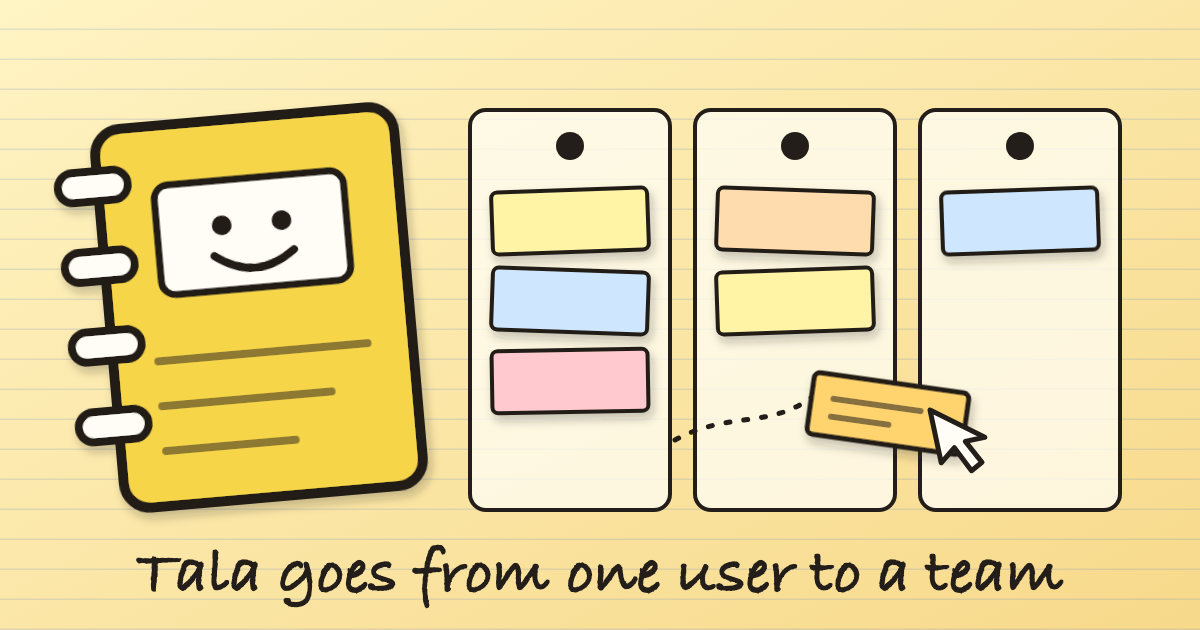
Tala started as the most selfish piece of software I've ever written. It was a work hub for exactly one person: me. Tasks, follow-ups, projects, a voice note that turns into a to-do, a box that answers questions about what's on my plate. One user, one login, no permissions to think about.
Then I looked at my engineers' tasks scattered across Telegram messages and my own memory, and asked for the obvious next thing: let me see everyone's work on one screen, and let me drag a task from one person to another. That sentence turned a personal tool into a team product. This is what changed, and the three mistakes I made along the way.
A board with one column per engineer
The new Team board has a column for each engineer and every task is a sticky note inside it, grouped as Waiting, In progress and Pending, with overdue ones floating to the top. To reassign work I drag the card to someone else's column. It moves immediately, there's an Undo for ten seconds, and if the save fails it snaps back with an error instead of lying to me. There's also a small "move to" menu on each card for when dragging isn't convenient, and a "needs attention" strip for anything overdue or stuck waiting for days.
Telegram capture still works exactly as before: I can say "ask one of the engineers to check the UPS" and the task lands in that engineer's column. The board is just a better way to see what that bot has been quietly filing.
Engineers can finally log in, but only to their own work
This was the part that worried me. Everything in Tala assumed one trusted person. The moment engineers could sign in, any page I'd forgotten about could leak my private tasks.
So the rule is default-deny. Each engineer signs in with the same Google account they already use for our Liquidation Tracker, and the system treats them as an "engineer" only if their address is on an active staff record. An engineer sees the whole board read-only, can update and comment on their own tasks, and gets a hard refusal everywhere else. Every page and API route has to be classified in one table, and there's a test that fails the build if I add a route and forget to decide who may open it. I also had to catch one gap after the fact: an engineer who somehow knew a task's exact link could have opened one of my own tasks. They get a "not found" now.
Statuses that ask for a reason
The Actions box on a task is deliberately small: Start, Waiting…, Mark done…. Waiting won't save without saying what you're waiting for, and cancelling (my button only) won't save without a reason. Those reasons show on the card and in the history, so a week later nobody has to ask "why is this stuck?". Done tasks can be reopened or archived, but only by me.
Email that does the nagging for me
New task, reassigned task, a comment from me, a cancellation: the engineer gets an email. When an engineer marks something waiting or done, I get one. There's a "due tomorrow" heads-up, an overdue reminder that repeats every few days until the task is closed, and one daily summary to me of what's overdue or has been waiting too long. Telegram stays for capturing tasks; email carries the follow-up.
A dashboard, drawn by hand
The dashboard has the usual cards (active, overdue, due today, completed), donuts for status and priority, who's carrying how much, and a created-versus-completed line over the last 30 days. I didn't add a chart library. Every chart is a small piece of hand-written SVG, which keeps the page light and let me make each card link straight to the filtered task list behind it.
Its own sign-in page, and a record of everything
I noticed two things Tala simply didn't have: a login page of its own, and an audit log. The first was Cloudflare Access doing the work invisibly in front of the site. Now Tala has its own "Sign in with Google" page with proper sessions, built so Access can remain as a fallback until I'm sure of the switch.
The audit log records sign-ins and denials, task changes, who changed whose access, mail-mode switches and what the Telegram bot did. It's append-only at the database level: I tried to edit and delete a row in the test suite and the database itself refused. It doesn't store comment text or tokens.
The look: black first, then paper
I asked for a black theme, got a lime-and-black dashboard I genuinely liked for about a day, and then asked for the opposite: a notebook. Tala is now cream paper with ruled lines, handwriting fonts, ink-brown text, sticky-note cards that tilt slightly and straighten when you hover, and a small yellow spiral notebook as the favicon. It sounds frivolous. It's the reason my engineers will want to open it.
Three mistakes worth admitting
I assumed the mail was in preview mode. My notes said new mail would start in preview, where everything goes only to me. While testing the new reminders I ran them by hand and four overdue notices were queued for real engineers. The mail setting had been switched to live weeks earlier. I cancelled all of them within seconds, before the next two-minute delivery run, and none went out. The lesson is boring and permanent: read the setting before you run anything that sends mail.
The 08:00 batch went out twice. Two n8n runs started 28 seconds apart, the daily digest chain and the every-two-minutes poller. Sending ten emails takes over a minute, so both read the same ten pending emails and both sent them. The only visible sign was an error saying a resource "could not be found", which was the second run trying to confirm mail the first had already confirmed. The fix is that fetching a batch now claims it, so an overlapping run gets different mail. A test fires two polls at the same instant and makes sure they never share an email.
Save worked, and it looked like it didn't. I typed a "next step" on a task, pressed Save, and saw nothing. The data was stored; the page just never said so and only displayed the value on finished tasks. Now it shows "Saved ✓", puts the next step at the top of the task and on the board card.
What I'd tell anyone doing the same
Going from one user to a team isn't a feature, it's a change in what the software is allowed to assume. Decide who can see what before you build the screens. Make "forgot to decide" a failing test. Keep two copies of any data that can't be undone, and read the setting before you press the button that sends email to real people.
And tell your tools to show you the result. The most expensive bugs I had this month weren't crashes. They were things that silently worked and looked broken, and one that silently worked twice.