Nate Herk posted a build challenge in the AIS community a few weeks back: "Newsletter Automation." Give Claude Code a topic, it researches it, writes it, illustrates it, formats it as an email, and sends it — all from one prompt. Structured as homework, with a checklist and a "you're done when" line at the bottom. I like that format. It's the same shape as a broadcast engineering training packet: here's the spec, here's the acceptance test, go build it and tell me where it broke.
So I built it. And, true to twenty years of watching systems fail in ways nobody wrote a spec for, it broke in four completely unrelated places before it sent a single real email.
The brief
The challenge came with a WAT CLAUDE.md — Workflows, Agents, Tools — dropped into a fresh project folder. The idea: markdown SOPs in workflows/ tell the agent what to do, deterministic Python scripts in tools/ do the actual work, and the agent's job is to read the workflow, call the right tool in the right order, and stay out of the way of anything that should be scripted rather than reasoned about. It's a clean split, and it maps almost exactly onto something I already believe about production systems: keep the parts that must behave the same way every time as far from "the AI decided to" as you can get them.
I opened Plan Mode and gave Claude Code the brief straight: research a topic with Perplexity, write the content, generate infographics with Nano Banana through Kie.ai, format it as HTML, send it through Gmail. It came back with a plan — which scripts it would write, which APIs each one would hit, a review gate before anything actually sent, OAuth for Gmail instead of a bare app password. I read it, it matched what I'd have asked for, I approved it.
The first bug had nothing to do with the newsletter
Before any of the actual pipeline code ran, the project's own Python virtual environment turned out to be dead. Not "missing a package" dead — its pip and python3 binaries were shelling out to an absolute path that started with /Users/.../MangJoseOS/Newsletter Project/.venv/..., and the folder had since moved one level deeper into a proper 01_Projects/ structure. Classic quiet failure: nothing about the folder looked wrong until you actually tried to run something inside it.
Recreated the venv at the correct path, reinstalled from a fresh requirements.txt, and hit a second, unrelated wall immediately: TLS certificate verification failures against PyPI. Not a real PyPI outage — the sandbox this all runs inside filters network traffic through its own proxy, and this particular Python build didn't trust that proxy's certificate. Nothing to do with the newsletter, nothing to do with the code I'd written, and it would have looked exactly like "the internet is broken" to anyone who didn't know to suspect the layer underneath.
Perplexity changed its API mid-build
The research script called Perplexity's /chat/completions endpoint with the sonar-pro model — standard Sonar API, the way it's been documented for a long time. First real call back: 403, "Sonar is now the Agent API. Use /v1/responses instead of /chat/completions."
Perplexity had migrated their whole API surface to something new, and not just the endpoint — the model naming changed too. sonar-pro doesn't exist anymore as a standalone model on the new API; it's just perplexity/sonar now, namespaced like every other provider they route through their Agent API. And the response shape changed with it: instead of a flat choices[0].message.content with a top-level citations array, you're parsing an output array of typed items, pulling text out of message items and, in theory, citation URLs out of url_citation annotations. In practice, on the first real newsletter I generated, those annotations came back empty even though the research summary named its sources — World Bank, IMF, BIS, OECD — right there in the prose. The grounding was real. The structured citation trail Perplexity is supposed to hand back wasn't, at least not from this model in this configuration. I rewrote the extraction logic to be defensive about it and left a note in the workflow file for next time, because that's the kind of thing you don't want to rediscover from scratch on a future run.
The images were fine. The queue wasn't.
Nano Banana through Kie.ai worked exactly as documented: submit a prompt, get a task ID, poll for a result URL, download it. The first infographic came back in under a minute — a ballot box overflowing with folded dollar bills for a section about campaign finance, title baked right into the image. Clean.
The second one timed out. My poll loop gave up after 180 seconds and reported failure — except when I checked the task directly against Kie.ai's API, it was still sitting there in state: waiting, credits already deducted, just stuck behind other work in their queue. Not a failed request. A slow one that my own timeout was too impatient to wait for. I bumped it to 420 seconds and let the existing task finish rather than burning a second image generation on a retry — it came back fine about five minutes in. Worth knowing before you assume "timeout" means "broken": sometimes it just means "you didn't wait long enough for someone else's infrastructure."
Python 3.14 quietly removed a stdlib module
Everything rendered — research, four images, HTML — and then the Gmail send step threw TypeError: Could not guess image MIME subtype from deep inside Python's own email.mime.image module. Turns out MIMEImage has always leaned on imghdr to sniff file type from raw bytes, and imghdr was formally removed from the standard library in this Python version as part of a long-scheduled deprecation. Nothing in my code changed; the ground under a twenty-year-old email library did. Fix was one line — pass the subtype explicitly instead of asking Python to guess it — but it's the kind of failure that only shows up the moment you touch a stdlib corner nobody's touched in years on a fresh-enough interpreter.
Threw in one more Gmail wrinkle worth mentioning: the OAuth consent screen came back with a flat 403: access_denied the first time through, because the Google Cloud OAuth app was still in Testing mode and my own account wasn't on the test-user list yet. Two minutes in the Cloud Console to add myself, and the same flow that failed completely succeeded on the next attempt. Nothing broken, just a permission gate nobody had opened yet.
What actually shipped
Topic: "Money talks." Perplexity researched it, I wrote four sections from that research — campaign finance, financial inclusion, digital money and stablecoins, and how the same interest rate hits different households differently — and Nano Banana illustrated each one.
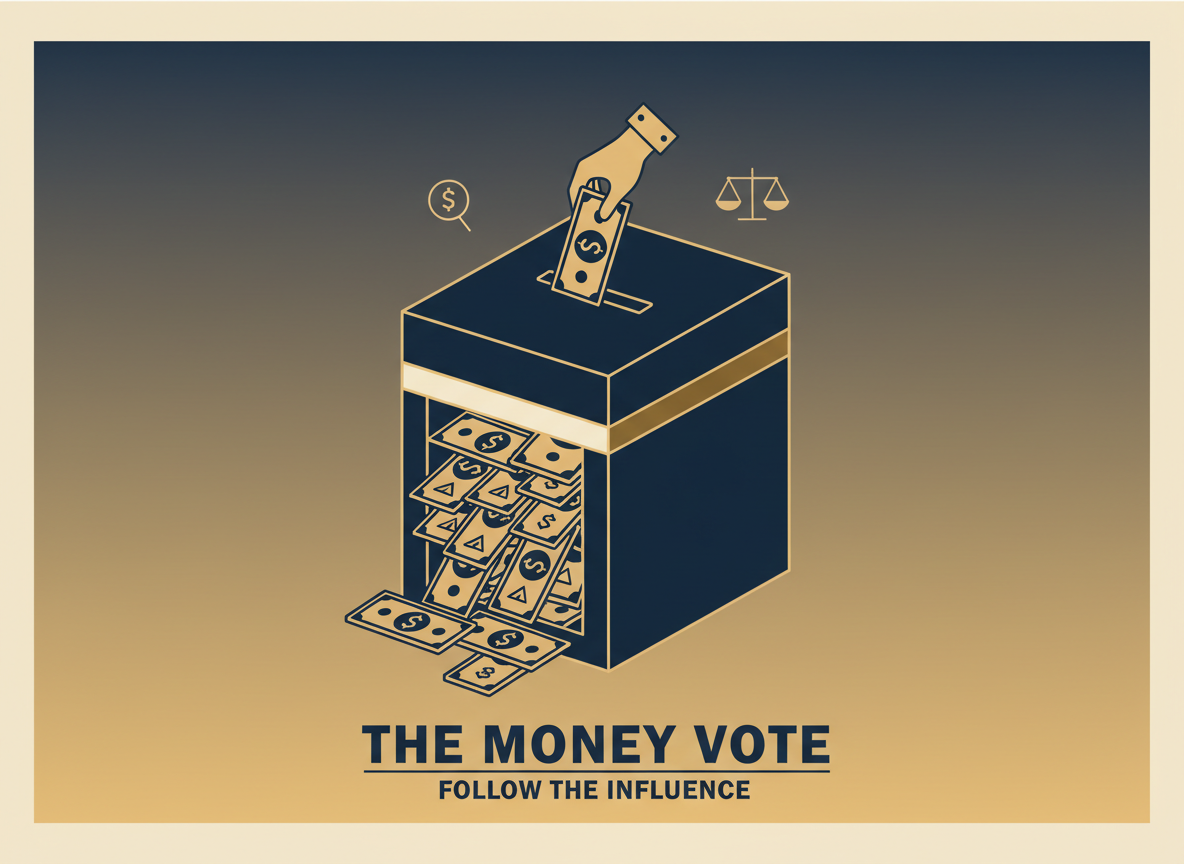
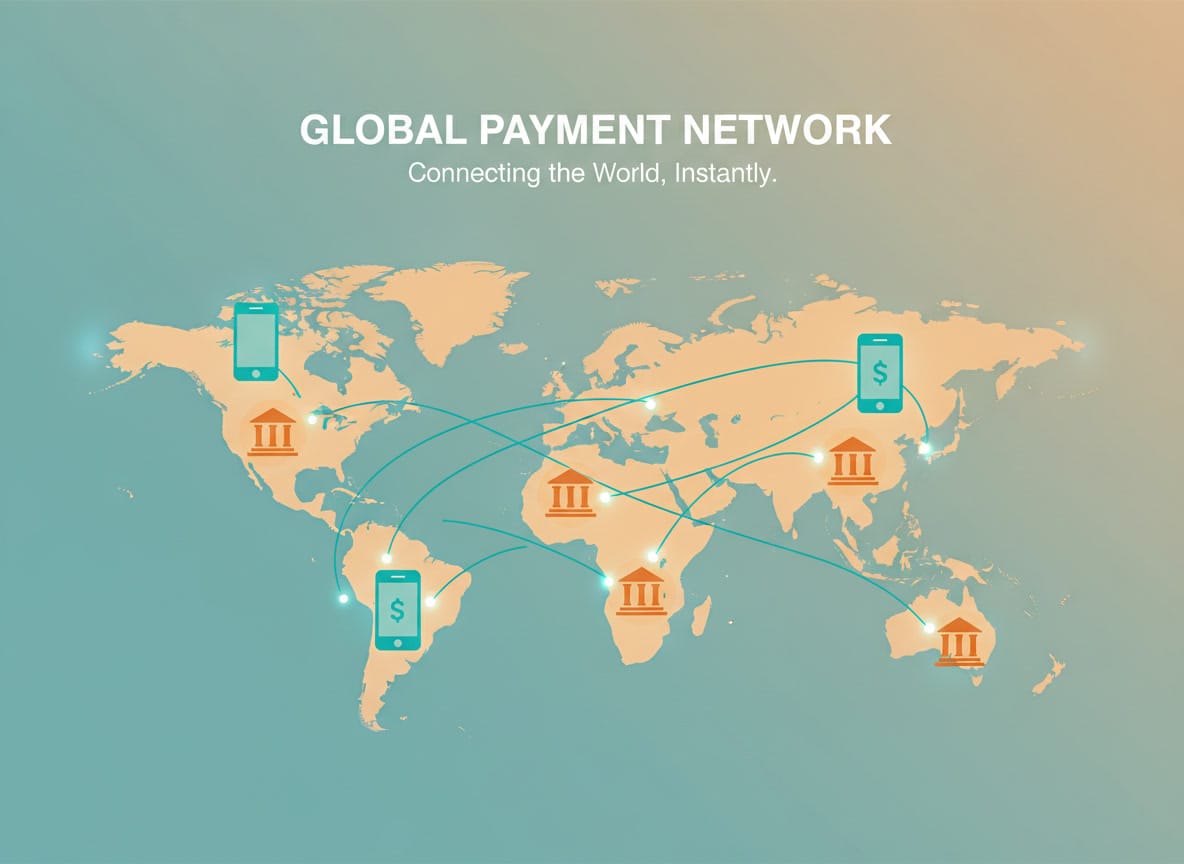
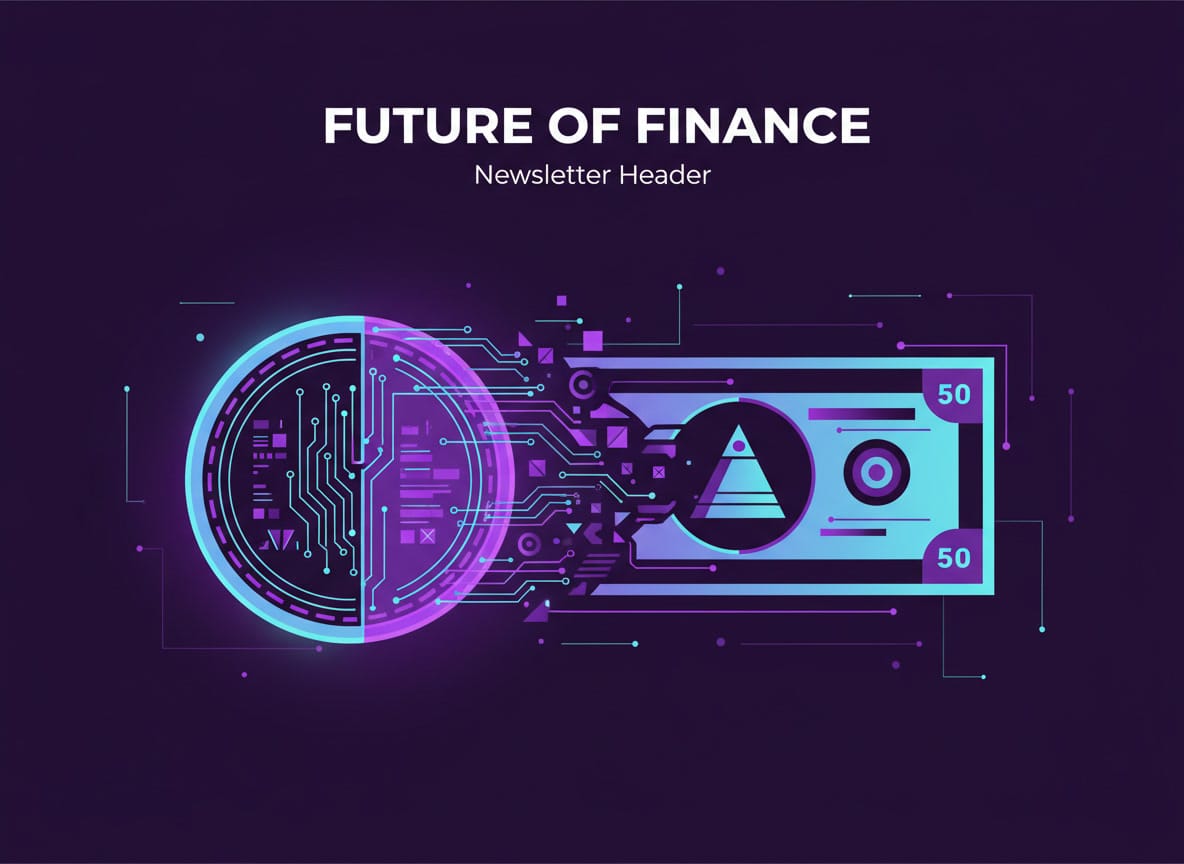
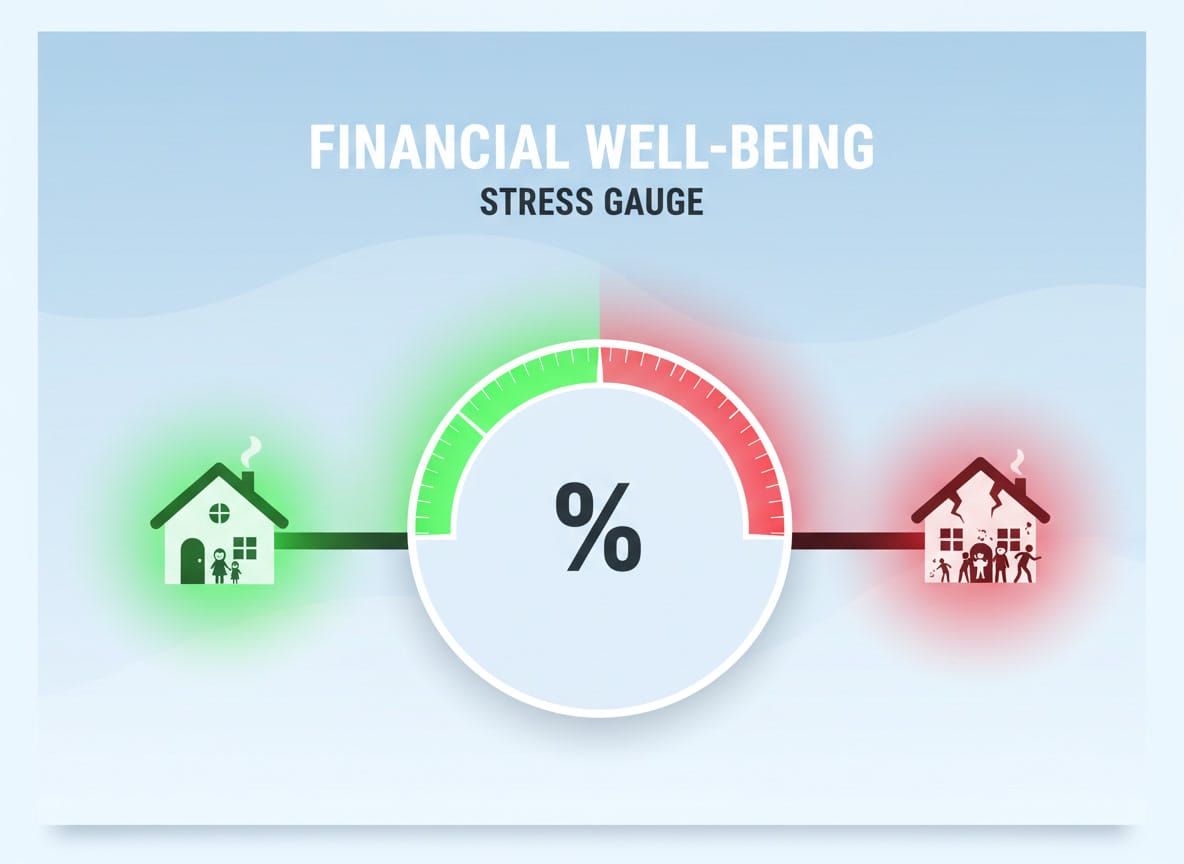
Three of the four came back exactly on brief. The third one took the phrase "newsletter header style" in its own prompt a little too literally and rendered the words "Newsletter Header" straight onto the image as a subtitle — which is its own small lesson about prompting an image model: it will happily treat your formatting instructions as content if you're not careful about which words are describing the image and which words are describing the layout it's going into. Minor enough that I shipped it as-is rather than spending another generation fixing a typo nobody but me would notice.
The email itself rendered as a proper HTML newsletter — header, four illustrated sections, footer — with a review gate that held the send until I'd actually looked at it in a browser first. That gate mattered: it's the same instinct as never trusting a green light on a router without checking the actual signal. An AI-written, AI-illustrated newsletter is exactly the kind of thing you want a human eyeball on before it leaves the building.
The part worth keeping
None of the four things that broke were newsletter bugs. They were a stale file path, an upstream API migration, a slow queue mistaken for a dead one, and a standard library module quietly sunset out from under a decades-old email class. Every one of them would have looked, from a distance, like "the AI automation doesn't work." Up close, each one was an infrastructure detail that had shifted slightly since the last time anyone checked it — which is the entire argument for logging what actually broke back into the workflow file instead of just moving on once it works. The WAT framework's own instructions say as much: when something fails, fix it, then write down what you learned so the next run doesn't rediscover it. I did that four times in one afternoon. Next time this pipeline runs, it should just work — right up until something else quietly changes underneath it, because something always does.
I Automated a Newsletter With Claude Code — Here's Everything That Broke First
A Nate Herk / AIS community build challenge: Perplexity research, Nano Banana infographics, and Gmail send, orchestrated by Claude Code from one prompt. It worked — after four unrelated things broke first.