Ghost Import Error: ValidationError: Invalid Lexical Structure
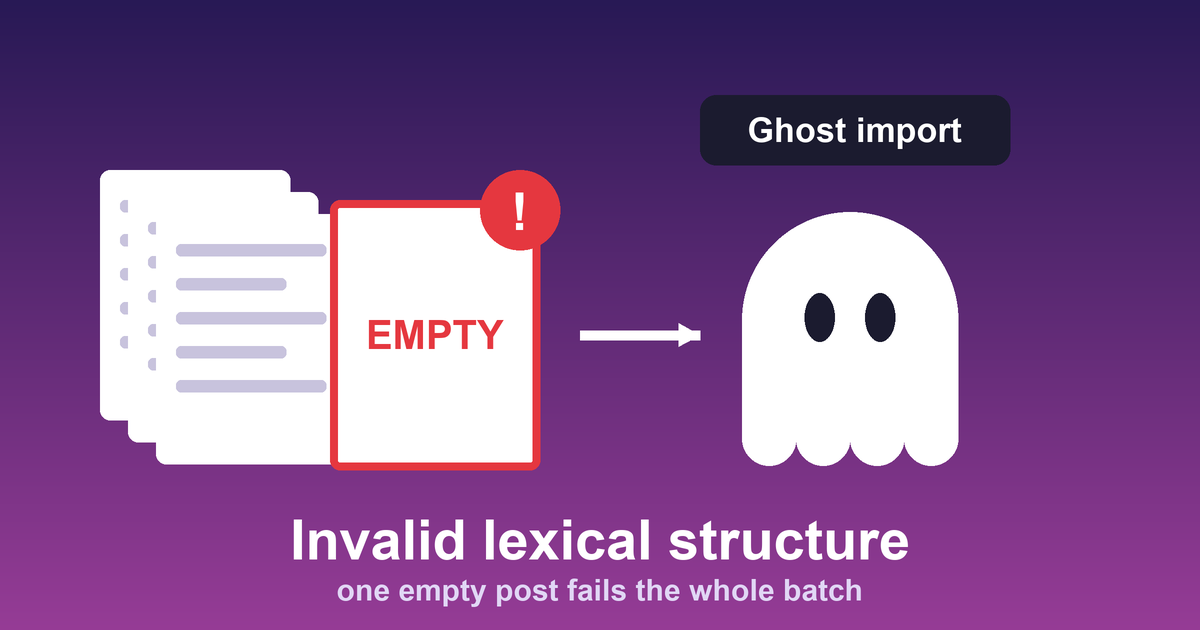
I moved 1,286 old Blogger posts into a self-hosted Ghost blog, and the import failed twice with the same error: ValidationError: Invalid lexical structure. If you hit it, the likely cause is a post whose content converts to nothing. Here is what happened to me and how I got past it.
The wrong first attempt
My first migration attempt converted every Blogger post into Ghost's import JSON, then wrote the posts straight into Ghost's database with SQL. It never went live. The blog was left with only its default "Coming soon" post. The reason is that Ghost 6 stores post bodies as lexical, not plain HTML, and raw SQL skips the step that converts one into the other.
The fix was to use Ghost's own import feature (Settings, Labs, Import/Export, Universal Import), so Ghost does its own HTML to lexical conversion.
Failure 1: posts with empty HTML
The import aborted the entire batch with "Invalid lexical structure". Two posts turned out to have completely empty HTML. Ghost's importer rejects a post whose content converts to an empty root node, and one such post is enough to fail the whole import.
Failure 2: posts that were only an image or a Flash embed
After I fixed those two, the import failed again. Eight more posts contained nothing but an image link or an old Flash <object> embed with no surrounding text. Neither converts to a text node, so they hit the same empty-lexical failure.
The fix
I didn't want to drop any posts, because the goal was every article present. For each affected post I added one short line of real text in front of its HTML and kept the original media reference. After that the import went through, and all 1,286 Blogger posts were live.
The practical lesson: before importing a large archive into Ghost, scan it for posts whose body is empty or has no text at all, and fix those first. One bad post fails the whole batch, and the error message doesn't name it.
What I could not fix
Many images in those old posts were hotlinked from third-party sites around 2010 to 2014, and they are dead links now. That is fifteen years of link rot on the original sites, and the migration didn't cause it. Images that Blogger hosted itself still load fine.
Find them before you import
The error doesn't tell you which post is the problem, so I wrote a small script that finds posts with no visible text. It strips the HTML tags and and checks what is left. That matters because a post can have HTML and still have nothing in it, such as a lone <p> </p>. Checking whether the HTML field is empty would miss it.
import json, re, sys
PLACEHOLDER = "(Original post content preserved below.)"
def visible_text(html):
no_tags = re.sub(r"<[^>]+>", " ", html or "")
return re.sub(r"\s+", " ", no_tags.replace(" ", " ")).strip()
export = json.load(open(sys.argv[1]))
posts = export["db"][0]["data"]["posts"]
empty = [p for p in posts if not visible_text(p.get("html"))]
only_placeholder = [p for p in posts if visible_text(p.get("html")) == PLACEHOLDER]
print(f"posts in export: {len(posts)}")
print(f"no visible text: {len(empty)}")
print(f"placeholder text only: {len(only_placeholder)}")
for p in only_placeholder:
print(" ", p["slug"])I ran it on my own Ghost export from October 10:
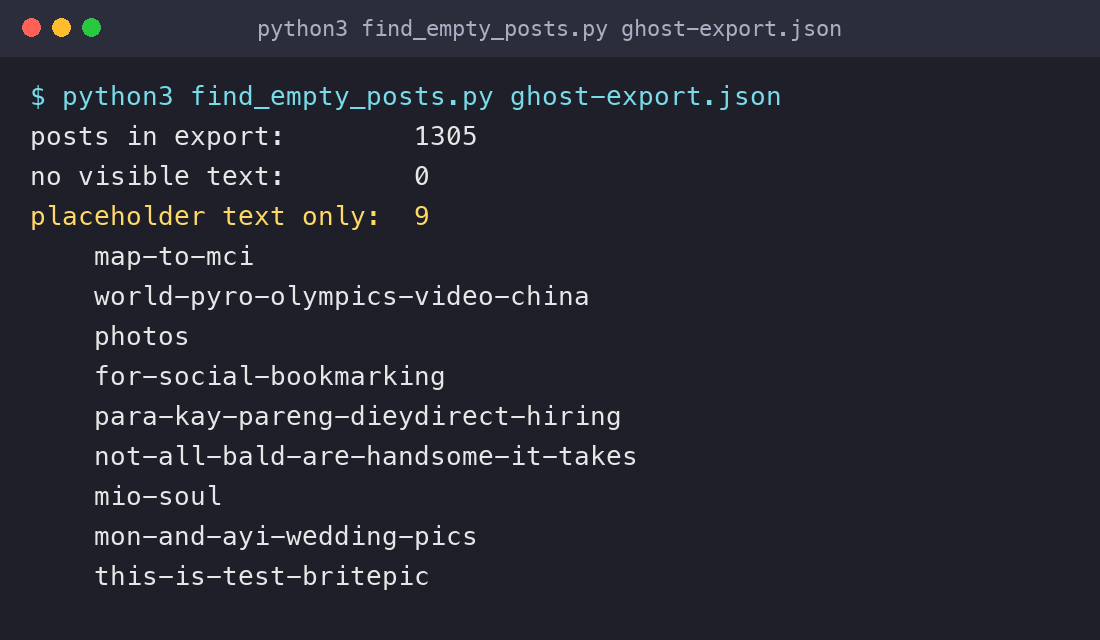
None of the 1,305 posts has zero visible text any more, because the placeholder line fixed that. Nine posts contain only the placeholder line. In one more post, the placeholder sits in front of real text. Run the same check on your import file before you upload it, and the empty ones show up at once. The key path for a Ghost export is db[0].data.posts, and an import file you built yourself may use a different one.
Fix, drop or rewrite
You have three options for each bad post. Add a line of real text and keep the media, which is what I did, because my goal was every article present. Drop the post, which is simplest if it is junk. Or rewrite it properly, which is the only choice that gives you a good page.
One caution if you care about search. A post with a single line of text is a thin page, and Google sees it as one. For posts like these, it may be better to import them as drafts and leave them unpublished.